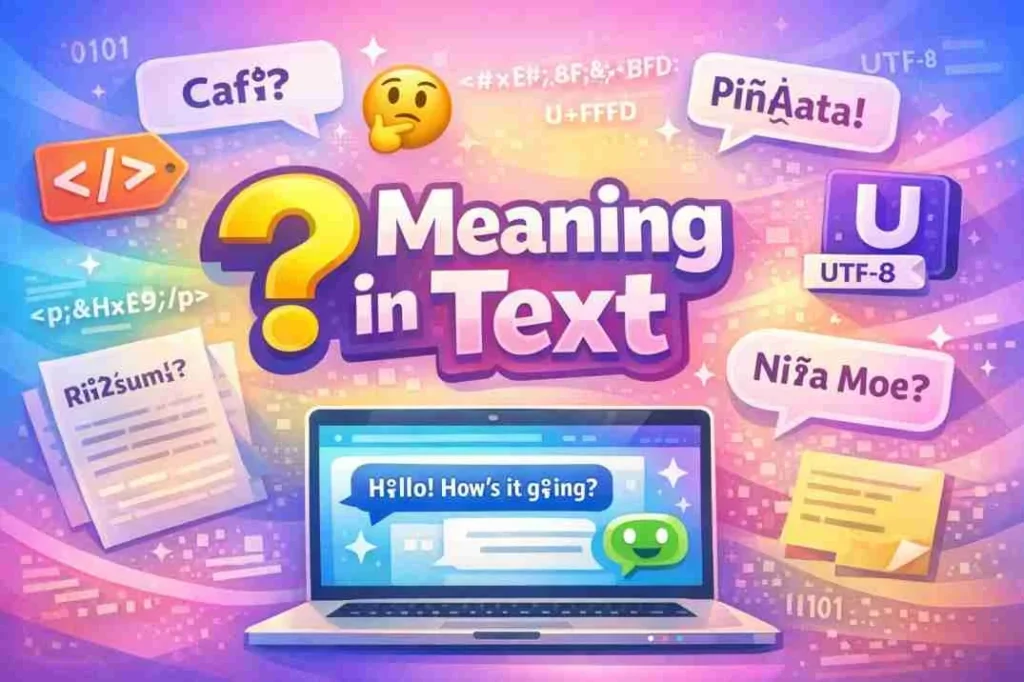

The � symbol, often seen in digital texts, represents a replacement character used to indicate that a character could not be displayed correctly due to encoding issues. It usually appears when software cannot interpret the original text or when incompatible character sets are used.
This symbol is widely encountered in emails, websites, social media, or text files, especially when characters from other languages or special symbols are not supported.
Origin of �
The appearance of the � symbol has its roots in computer encoding systems. It is technically known as the “replacement character” in Unicode.
- Unicode Standard: The Unicode character � (U+FFFD) is officially designated to replace an unknown, unrecognized, or unsupported character.
- Legacy Systems: Older systems using ASCII or ISO-8859-1 often misinterpreted characters from other languages, leading to � being displayed.
- Web & Email: Copy-pasting text from one system to another with different encoding often causes this symbol to appear.
In essence, the � symbol acts as a placeholder alerting users to an encoding problem rather than a specific intended character.
Popularity and Real-World Usage
While � itself is not a slang or acronym, it is widely recognized among digital users, programmers, and internet users who deal with multiple languages or text formats.
Common Scenarios Where � Appears:
| Platform / Context | Example Scenario | Reason |
|---|---|---|
| Emails | Copying text from Word into Gmail | Character encoding mismatch |
| Websites | Pages displaying foreign languages incorrectly | Unsupported charset |
| Text Files | Special symbols from other systems | Legacy encoding issues |
| Social Media | Copy-pasting foreign characters | Unicode misinterpretation |
| Programming / Coding | Reading external files or APIs | Non-standard encoding |
The presence of � is usually not intentional but indicates a technical issue that needs resolving.
� in Context: Examples
To understand how � appears, let’s look at some practical examples:
1: Email or Document Copy-Paste
- Original text: “Café”
- Displayed text: “Caf�”
- Explanation: The accented “é” was misinterpreted because the email system didn’t support the character encoding.
2: Webpages
- Original: “Piñata”
- Displayed: “Pi�ata”
- Explanation: Non-ASCII “ñ” was replaced by � due to incompatible charset.
3: Social Media
- Original: “naïve”
- Displayed: “na�ve”
- Explanation: The diaeresis “ï” in combination with other characters caused an encoding mismatch.
Technical Explanation
The � symbol appears when software encounters characters outside its recognized encoding range. Here’s a simplified breakdown:
| Encoding Type | Issue Description | Result |
|---|---|---|
| ASCII | Supports 128 characters only | Non-ASCII letters become � |
| ISO-8859-1 / Latin-1 | Supports extended Latin characters | Unsupported characters → � |
| UTF-8 | Supports all Unicode characters | Usually prevents � |
| Windows-1252 | Common in legacy Windows systems | Misinterpreted symbols → � |
Understanding encodings like UTF-8, ISO-8859-1, and Windows-1252 can prevent the appearance of � when transferring text across systems.
Comparison with Related Symbols
Other symbols sometimes confused with � include:
| Symbol | Meaning | Context / Usage |
|---|---|---|
| � | Official Unicode replacement character | Replaces unrecognized or corrupted text |
| ? | Question mark in unknown character place | Older or simpler systems |
| □ | Empty box or “tofu” glyph | Font cannot render character |
| � | Double replacement or corrupted sequence | Legacy encoding errors |
Unlike standard question marks or boxes, � directly indicates an encoding failure rather than a simple unknown character.
Polite or Professional Alternatives
In professional contexts, encountering � often requires correcting encoding issues rather than replacing it with text. Best practices include:
| Method | Description | Example / Usage |
|---|---|---|
| UTF-8 Encoding | Use UTF-8 for files, emails, and websites | “Café” displays correctly |
| Convert Legacy Files | Convert ISO-8859-1 or Windows-1252 text to UTF-8 | Using Notepad++ or online converters |
| Escape Sequences / HTML Codes | Use é for “é” in HTML | Ensures proper display on websites |
| Proofreading / Manual Fix | Manually replace corrupted characters | “Piñata” instead of “Pi�ata” |
Using these solutions ensures professional, readable text without unwanted symbols.
Extended Examples Table
Here’s a practical table showing real-world examples where � appears, including suggested fixes:
| Original Text | Corrupted Display | Platform / Cause | Solution / Fix |
|---|---|---|---|
| Café | Caf� | Email copy-paste | Use UTF-8 encoding |
| Piñata | Pi�ata | Webpage charset mismatch | Ensure UTF-8 charset in HTML |
| naïve | na�ve | Document import error | Convert from legacy encoding |
| résumé | résumé | PDF to text copy | Correct encoding / copy as UTF-8 |
| Pokémon | Pok�mon | Text file legacy format | Open in UTF-8 supported software |
This table is ideal for infographic visualization to show technical users what goes wrong and how to fix it.
FAQs
1. What does � mean in text?
It is a replacement character indicating the original character could not be displayed due to encoding issues.
2. Why does � appear on my screen?
It appears when software cannot interpret the original character or the character set is incompatible.
3. How can I fix � in emails?
Ensure the email or document uses UTF-8 encoding before sending.
4. Is � a real letter or symbol?
No, it is not part of any alphabet. It is a technical placeholder used in computing.
5. Can I prevent � from appearing on websites?
Yes, by setting your HTML charset to UTF-8: <meta charset="UTF-8">.
6. Does � appear in social media posts?
It can, usually due to copy-pasting text with unsupported characters.
7. Are there similar symbols to �?
Yes, question marks (?), boxes (□), or the Unicode replacement character (�) can appear in similar situations.
8. Why does � appear after copy-pasting from Word?
Word often uses special encoding for accented or foreign characters, which may not match email or web encoding.
Conclusion
The � symbol is a technical indicator of encoding problems rather than a meaningful character. Recognizing it helps you troubleshoot emails, websites, and digital text across platforms.
Key Takeaways:
- � = replacement character indicating unrecognized or unsupported text
- Usually appears due to encoding mismatch, legacy systems, or font limitations
- UTF-8 encoding prevents most occurrences
- Proper technical handling ensures readability and professionalism
By understanding and addressing encoding issues, you can maintain clean, professional, and readable digital text across platforms.
Read More Related Articles:
- Elmer Heinrich Net Worth: Bio, Career & Financial Growth (2025-26)
- Virginia Madsen Net Worth: From Sideways to Stardom (2025-26)
- Ben Meiselas Net Worth 2025 Lawyer to Media Mogul Success Story